Featured Slider

Tim Holtz Distress Paints Are Back | Gel Plate Art Journal Background

If you've been in the Tim Holtz world for any length of time, you probably remember when Ranger retired a bunch of the Distress Paint colors — and if you're anything like me, you were a little bummed about it. Well, the good news is they're back! And to celebrate, I decided to do something a little outside my comfort zone and create an art journal page using the re-released Distress Paints with a gel plate. Art journaling and paint aren't really my go-to — yet anyway — but that's kind of the point. Sometimes you just have to give yourself permission to play, and in my latest video that's exactly what I did.

Giving Yourself Permission to Play

I've been wanting to explore art journaling and paint more for a while now, and taking a class recently with Seth Apter really reignited that desire. When I heard the Distress Paints were coming back, it felt like the perfect push to just go for it. I'm not an expert in art journaling or paint, but I'm sharing this anyway because I think it's important to create outside your comfort zone — and honestly, I had so much fun with it. If you've been on the fence about trying something new, I hope this gives you that little nudge.

Believe In Yourself Art Journal Page by Juliana Michaels featuring Tim Holtz Distress Paint, Idea-ology and Sizzix Vault Picture Show Die Set

The Believe in Yourself Art Journal Pages

In the video I'm sharing the background techniques — how I used Distress Paints, stencils, a gel plate, and a brayer to build up those warm, golden, layered backgrounds you see across both pages of the spread. After filming, I went ahead and finished the pages too, and I'm sharing all of those details here.

To create the background for my art journal pages I used Distress Paint in Pumice Stone, Scattered Straw, Forest Moss, Shabby Shutters and Aged Mahogany. Head over to my YouTube channel to check out all the details on how I created the background using the paints, stencils, a gel plate and a brayer.

To add more interest to the background I added some stamping using Archival Ink in Frayed Burlap and a mix of Tim Holtz stamps including French Marketplace, Field Notes, Illustrated Garden, Flowershop and Bird Feather. I recommend using a permanent ink such as Archival Ink when stamping over paint as it will dry quickly and will be permanent.

Once the stamping was completed I went about sorting through my Tim Holtz paper scraps and ephemera pieces to create a layered cluster for each page. I also added an old book page. I used some similar pieces such as the same patterned paper, old book page and colors to keep things cohesive. I also inked the edges of the pieces with Walnut Stain Distress Ink.

I also die cut a viewfinder from Black Kraftstock using the Tim Holtz Vault Picture Show Die Set, sanded the edges with a sanding disc. I cut it in half and tucked one piece into the layers of each side of the spread.

I then finished off the pages with some white ink splatters and added some Stabilo pencil work around the outer edge of the patterned paper pieces. I then went about adhering the various layers together and then finally to the page itself.

Watch the Full Background Tutorial

Ready to see all the details on the gel plate background techniques? You can watch the complete tutorial in the video below, or head over to my YouTube channel to check it out.

I'd love to know — are you a Distress Paints fan? Are you excited they're back? Let me know in the comments, and if you give this a try I'd love to see what you create!

Happy crafting!
~ Juliana

Supplies

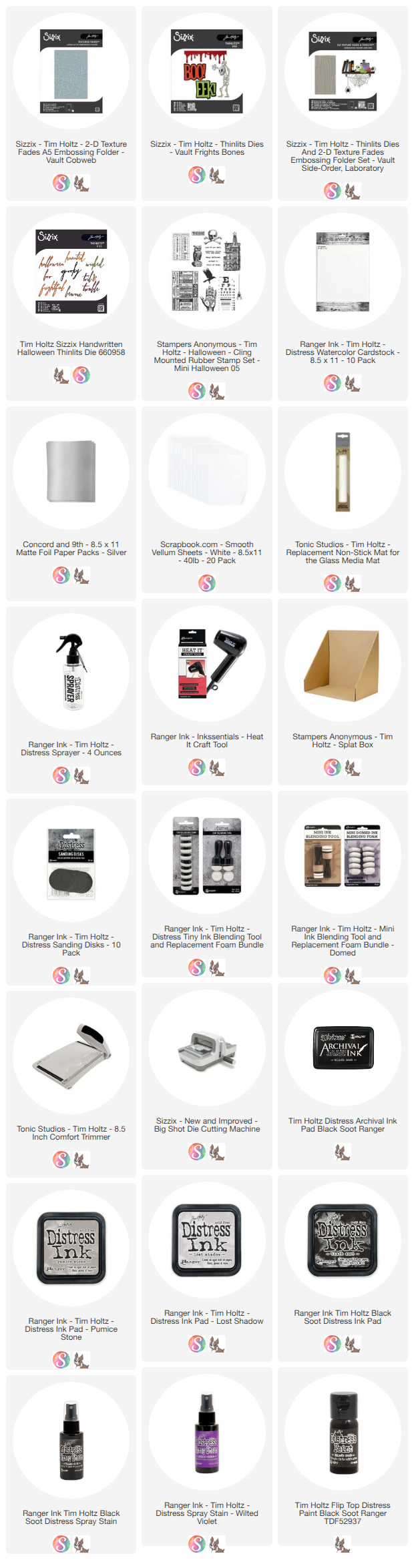
Below you will find links to the supplies I used to create these pages. When you shop through these links—whether you purchase that exact item or something else entirely—you're supporting me at no extra cost to you. The commission I receive helps me cover the costs of my blog and other expenses, and allows me to continue providing you with FREE inspiration and tutorials. If you want to learn more, you can see my full affiliate and product disclosure statement here: https://www.17turtles.com/p/affiliate-and-product-disclosure.html. Thank you so much for your love and support!


A Graduation Shaker Card

Graduation season is here, and I cannot believe how fast time flies! My youngest niece is graduating from high school this year, and of course I had to make her a card. I wanted to create something special and a little extra fun, so I went with a shaker card combining pieces from the new Scrapbook.com Graduation Bundle with some Tim Holtz Idea-ology papers from my stash.

The result is a 4.75 x 6 inch card packed with blue and gold sequins, a dramatic black silhouette graduation scene, and all the celebratory feels!

Graduation Shaker Card by Juliana Michaels featuring Scrapbook.com Graduation Die

Building the Shaker

I started by die cutting a piece of blue patterned paper using the Scrapbook.com Nested Stitched Stamps die to create the shaker window. I cut a piece of acetate to fit behind the opening and adhered it to the back side of the paper. Then I added double-sided foam tape around the entire perimeter of the opening, making sure all the pieces were butted up tightly against each other to keep the sequins from escaping!

For the shaker background, I sprayed a piece of Distress Watercolor Cardstock with Distress Spray in Faded Jeans and Pumice Stone, then ran it through the Scrapbook.com Polka Dot Embossing Folder. To finish it off, I rubbed a little Sizzix Luster Wax in Gold over the embossed texture. Most of this layer ends up hidden behind the sequin mix, but it's still a fun little detail to create — and you'll know it's there! I cut this piece to fit the back of the shaker window.

Before sealing everything up, I added a mix of sequins along with some extra graduation caps die cut from black cardstock. Once the shaker was filled and sealed, I backed the whole piece with a piece of Tim Holtz Idea-ology patterned paper.

Finishing the Card

I distressed the edges of the patterned paper layer and layered it onto a piece of black cardstock. The focal image — the graduation silhouette — is die cut from black cardstock using the Scrapbook.com Graduation Bundle dies. I finished the card with a "Congratulations" sentiment stamped from the Scrapbook.com So Proud Of You stamp set.

I think she's going to love it! 🎓

If you're looking for graduation card inspiration this season, the Scrapbook.com Graduation Bundle is a great option — it includes stamps, dies, and cardstock, giving you everything you need to create a whole collection of cards. Check the supply list below for links.

Let's Chat!

I'd love to see your graduation cards! Drop a photo or a comment below and let me know who you're celebrating this year.

Supplies

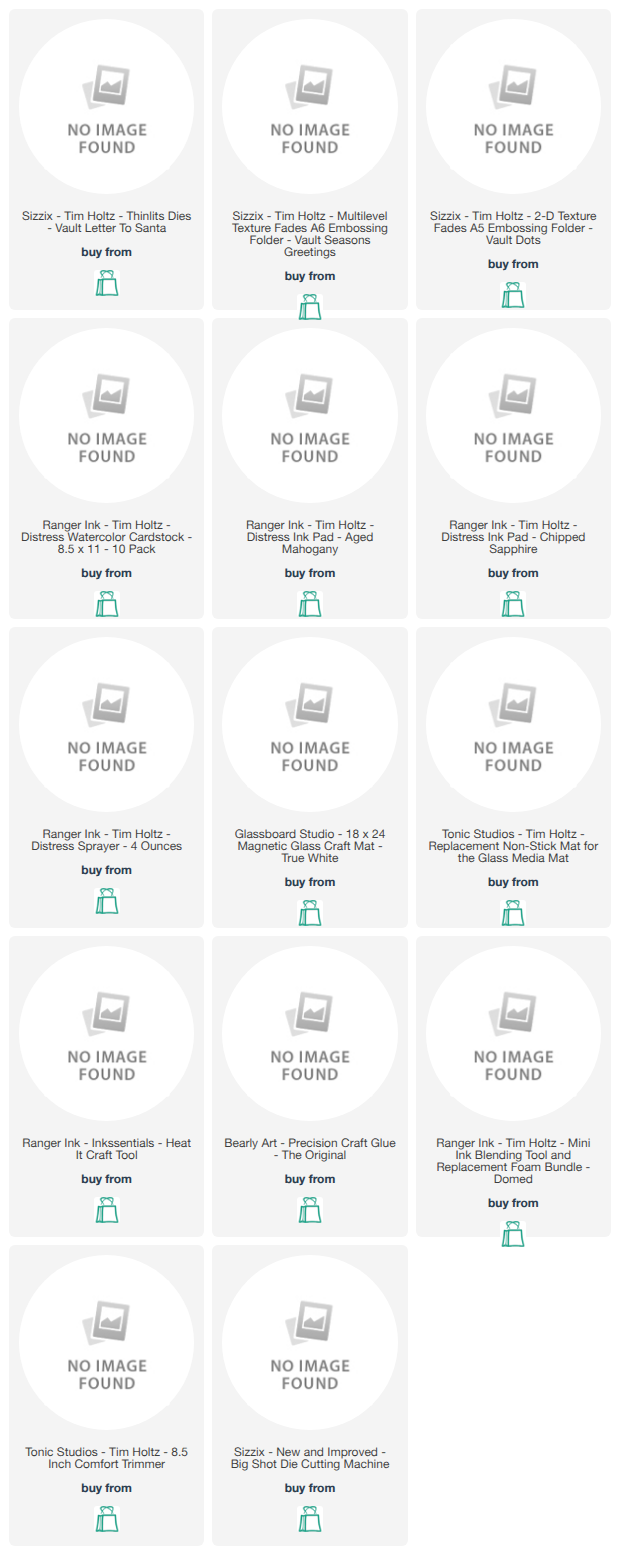
Below you'll find the supplies I used to create this card. When you shop through these links — whether you purchase that exact item or something else entirely — you're supporting me at no extra cost to you. The commission I receive helps me cover the costs of my blog and other expenses, and allows me to continue providing you with FREE inspiration and tutorials. If you want to learn more, you can see my full affiliate and product disclosure statement here. Thank you so much for your love and support!

How to Use Distress Embossing Glaze | 3 Mixed Media Techniques

I recently had the pleasure of creating a tutorial for the Ranger Ink YouTube channel featuring Tim Holtz Distress Embossing Glaze, and I am so excited to share these tags with you today! The glaze is translucent, which means you can use it like a traditional embossing powder but still see color and detail through it — and the vintage mixed media results are absolutely stunning.

How to use Tim Holtz Distress Embossing Glaze | 3 Mixed Media Techniques  by Juliana Michaels

What is Distress Embossing Glaze?

If you've ever picked up the Distress Embossing Glaze and wondered what to do with it or how it's different from a regular embossing powder, you're not alone! The key is that it's translucent — so instead of covering your image or texture with an opaque color, the glaze allows the color and detail underneath to show through while still adding that beautiful raised, dimensional finish. Once you see it in action, it all clicks!

The Background Techniques

In the Ranger Ink video, I walk through three different ways to use the Distress Embossing Glaze — with an embossing folder, with stamped images, and combined with Distress Translucent Crackle Paste through a stencil. Each technique produces a completely different look, and I use Distress Spray Stains and Distress Paint to add color and bring out all that beautiful texture and detail. Head over to the Ranger Ink YouTube channel to watch the full background tutorial!

 WATCH HERE 


The Embellishments

Once the backgrounds were complete, I had so much fun layering in the embellishments to give each tag that eclectic, vintage collector feel. Each tag features a vintage portrait photo as the focal point, framed with postage stamps and layered with Tim Holtz die cuts — butterflies, florals, leaves, and architectural elements — along with sentiment labels that really bring the whole story together. The combination of the glazed, textured backgrounds with all those layered details gives each tag a rich, curiosity cabinet quality that I just love.

Keep Looking Tag by Juliana Michaels featuring Tim Holtz Distress Embossing Glaze, Entangled Embossing Folder and Scribbly Butterflies Die Set

For the embellishments on this tag, I die cut a couple of butterflies from Distress Watercolor Cardstock using the Scribbly Butterflies die set. I sprayed them with Distress Spray Stain in Fossilized Amber and inked the edges with Distress Ink in Walnut Stain. I then layered in an antique portrait from the Tim Holtz Photomatic set, tucking a few stamps from the Tim Holtz Postmarked Sticker Book behind it. A sentiment from the Tim Holtz Quote Chips labels finished everything off perfectly.

Everything Is Possible Tag by Juliana Michaels featuring Tim Holtz Distress Embossing Glaze, Deconstructed Stamp Set, and Vault Funky Wreath Die Set

For this tag I followed a similar process, die cutting the Tim Holtz Vault Funky Floral Wreath die set and spraying it with Scorched Timber Distress Spray Stain. The flowers and leaves were inked individually with Distress Ink in Rusty Hinge, Peeled Paint, Forest Moss, Salvaged Patina, Fossilized Amber, and Walnut Stain. I then finished it off with an antique portrait, a few stamps from the Tim Holtz Postmarked Sticker Book, and a sentiment from the Tim Holtz Quote Chips labels, just as I did on the first tag.

The World Needs Tag by Juliana Michaels featuring Tim Holtz Distress Embossing Glaze, Industrial Stencil and World Travel Die Set

For the final tag, I die cut the globe images using the Tim Holtz Vault World Travel die set and heat embossed them with gold embossing powder. After adhering them to the tag I trimmed off the excess. I then finished everything off with an antique portrait from the Tim Holtz Photomatic set, a few stamps from the Tim Holtz Postmarked Sticker Book, and a sentiment from the Tim Holtz Quote Chips labels.

I hope these tags inspire you to pull out your Distress Embossing Glaze and give it a try! If you have any questions about the techniques or the embellishments, feel free to leave them in the comments below. I'd love to see what you create!

Supplies

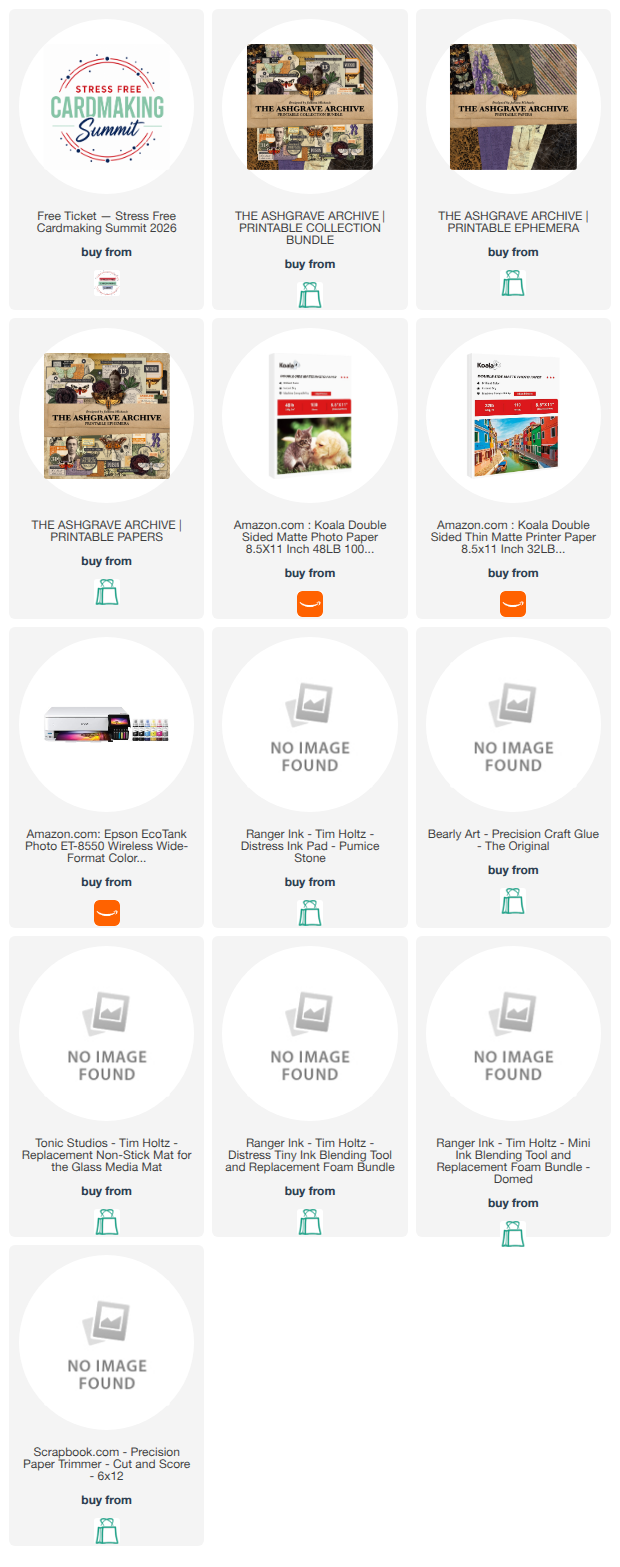
Below you'll find the supplies I used to create this card. When you shop through these links—whether you purchase that exact item or something else entirely—you're supporting me at no extra cost to you. The commission I receive helps me cover the costs of my blog and other expenses, and allows me to continue providing you with FREE inspiration and tutorials. If you want to learn more, you can see my full affiliate and product disclosure statement here: https://www.17turtles.com/p/affiliate-and-product-disclosure.html. Thank you so much for your love and support!

null

No Embossing Folder? No Problem | Faux Embossing Background Technique

What if you could create a rich, textured background without an embossing folder? Today I'm sharing one of my favorite techniques using some of the newly released dies from the Tim Holtz Sizzix March release — and the best part is it works with any dies you already own.

The technique uses dies you already own and creates that beautiful raised, textured look without any special equipment. Add Distress Sprays and a little Foundry Wax and the results are stunning — this card has that vintage wanderlust vibe I absolutely love. You'll want to watch the video to see exactly how it all comes together!

The Journey Awakens The Soul by Juliana Michaels featuring Faux Embossing Background Technique with Tim Holtz Sizzix Dies including World Traveler, Alphanumeric Bulletin, Handwritten Journey and Tailored

The Faux Embossing Technique

The key to this technique is that you don't need specific dies — you can use whatever you have in your stash. Any die cut adhered to paper before adding color will create that raised, textured effect. For this card I used dies from the Tim Holtz Sizzix March release, which were previously released and retired and are now available again. So if you missed them the first time, this is a great opportunity to grab them!

For color I used Distress Spray Stains in Uncharted Mariner and Broken China, along with Distress Oxide Sprays in Uncharted Mariner and Weathered Wood. The good news is you don't need both types of sprays — use what you have, mix and match, or stick with one. That's the beauty of this technique: it's flexible and works with your stash.

Watch the Full Tutorial

Ready to see the faux embossing technique in action? Watch the complete tutorial in the video below, or head over to my YouTube channel to check it out. 

I'd love to know — do you have dies sitting in your stash that you haven't used in a while? This technique might be just the reason to pull them out! Leave a comment below and let me know what you're thinking of trying it with.

Supplies

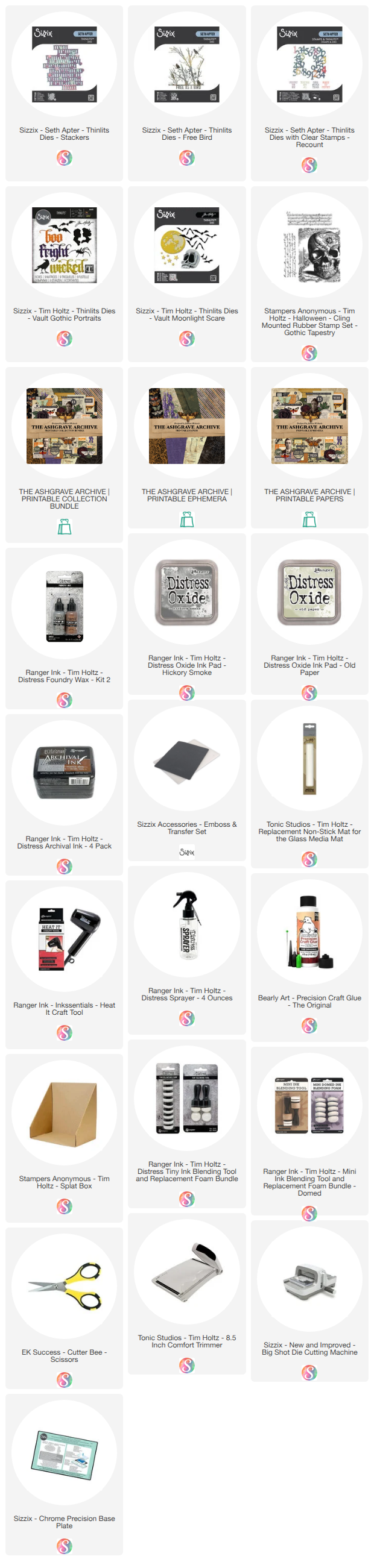
Below you will find links to the supplies I used to create these cards. When you shop through these links—whether you purchase that exact item or something else entirely—you're supporting me at no extra cost to you. The commission I receive helps me cover the costs of my blog and other expenses, and allows me to continue providing you with FREE inspiration and tutorials. If you want to learn more, you can see my full affiliate and product disclosure statement here. Thank you so much for your love and support!

Embossing Folder Background Techniques | Beginner to Advanced

If you've ever wondered how to get more out of your embossing folders, this tutorial is for you! Today I'm sharing three ways to use an embossing folder to create a mixed media card background, and we're going from beginner to advanced. Each technique builds on the last, so whether you're just getting started with mixed media or you're ready to layer in some more products and push your skills a little further, there's something here for you.

Lucky Is A State of Mind Card | Embossing Folder Background Techniques Beginner to Advanced by Juliana Michaels featuring Tim Holtz Sizzix Vault Diamonds Embossing Folder, Gentlemen, Picture Show, Alphanumeric Stretch, Handwritten Celebrate, and Lucky Love Impresslit

Three Levels, One Embossing Folder

The idea behind this tutorial is simple — take one embossing folder and show how you can use it three different ways, each one stepping up the complexity a little. No matter which technique you choose, the Sizzix Luster Wax is the secret weapon that ties them all together — it catches the raised areas of the embossed design and makes it pop beautifully every single time.

The beginner technique keeps things simple with colored cardstock, Luster Wax to highlight the embossed design, and inked edges using Distress Ink. It's approachable, low-risk, and gives you a gorgeous result with minimal supplies.

Beginner Embossing Folder Technique by Juliana Michaels featuring Tim Holtz Sizzix Vault Diamonds Embossing Folder, Gentlemen, Picture Show, Alphanumeric Stretch, Handwritten Celebrate, and Lucky Love Impresslit

The intermediate technique introduces Distress Watercolor cardstock and Distress Spray Stains before adding the Luster Wax and inked edges. The Spray Stains sink into the watercolor cardstock beautifully, adding depth and color before the Luster Wax works its magic on the embossed design.

Intermediate Embossing Folder Technique by Juliana Michaels featuring Tim Holtz Sizzix Vault Diamonds Embossing Folder, Gentlemen, Picture Show, Alphanumeric Stretch, Handwritten Celebrate, and Lucky Love Impresslit

The advanced technique builds on the intermediate version by layering Distress Oxide Sprays on top of the Spray Stains before finishing with the Luster Wax and inked edges. It's the same process with one extra step, but that additional layer of color adds a richness that takes the background to a whole new level.

Advanced Embossing Folder Technique by Juliana Michaels featuring Tim Holtz Sizzix Vault Diamonds Embossing Folder, Gentlemen, Picture Show, Alphanumeric Stretch, Handwritten Celebrate, and Lucky Love Impresslit

The Focal Point

While the focus of this tutorial is the background techniques, I also walk you through how I created the die cut focal point for each card using the new Sizzix Tim Holtz Vault Picture Wheel and Handwritten Thinlits Dies. One of my favorite things about the Handwritten dies is how beautifully they layer with the Alphanumeric Stretch Upper Case dies — and you'll see exactly how I used that combination on these cards.

Lucky Is A State Of Mind Card by Juliana Michaels featuring Tim Holtz Sizzix Vault Diamonds Embossing Folder, Gentlemen, Picture Show, Alphanumeric Stretch, Handwritten Celebrate, and Lucky Love Impresslit

Watch the Full Tutorial

Ready to see all three background techniques in action? You can watch the complete tutorial in the video below, or head over to my YouTube channel to check it out.

[VIDEO EMBED HERE]

I'd love to know — which background technique would you choose for your next card? The beginner, intermediate, or advanced version? Leave a comment below and let me know!

Supplies

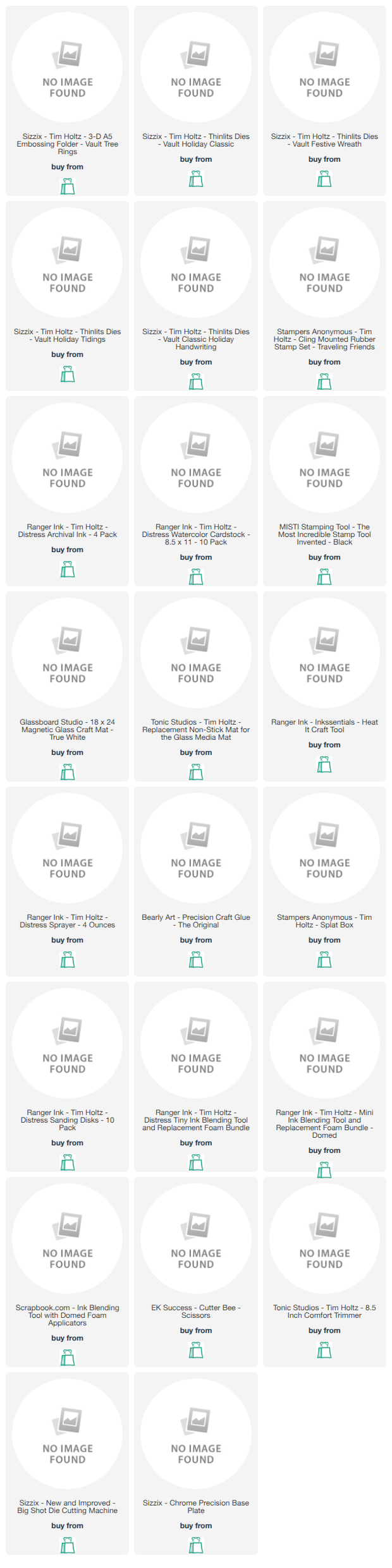
Below you will find links to the supplies I used to create these cards. When you shop through these links—whether you purchase that exact item or something else entirely—you're supporting me at no extra cost to you. The commission I receive helps me cover the costs of my blog and other expenses, and allows me to continue providing you with FREE inspiration and tutorials. If you want to learn more, you can see my full affiliate and product disclosure statement here. Thank you so much for your love and support!

Subscribe